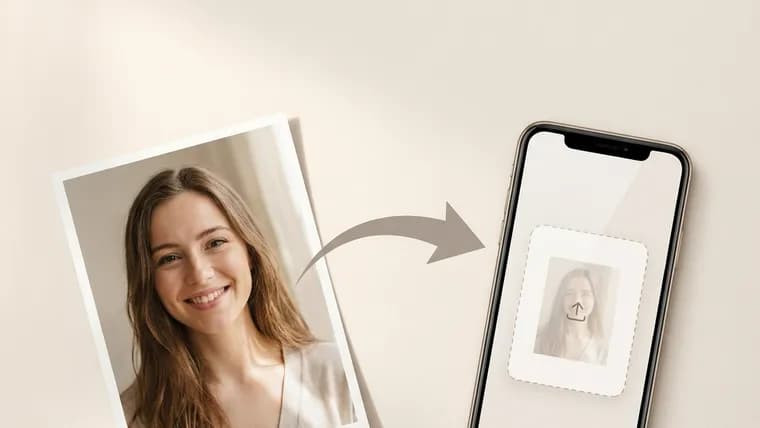
Animation assembles a five-second video from a single frame: the person in the photo turns their head, blinks and smiles. Most people use it for the family archive.
Scan the print or re-shoot it with a phone — no flash glare, square to the surface, ideally in daylight. Film grain and small scratches are not a problem: what matters is that the facial features are legible.
Send the file to the bot and pick “Animate”. Assembly takes up to two minutes — longer than the other features, because a video is being built rather than a frame. The finished clip arrives as an MP4 or a video message so you can forward it to family straight away.
If there are several people in the shot, crop to one face: the motion comes out more natural that way. Files are kept for 30 days, so you can come back to the result and forward it later.